
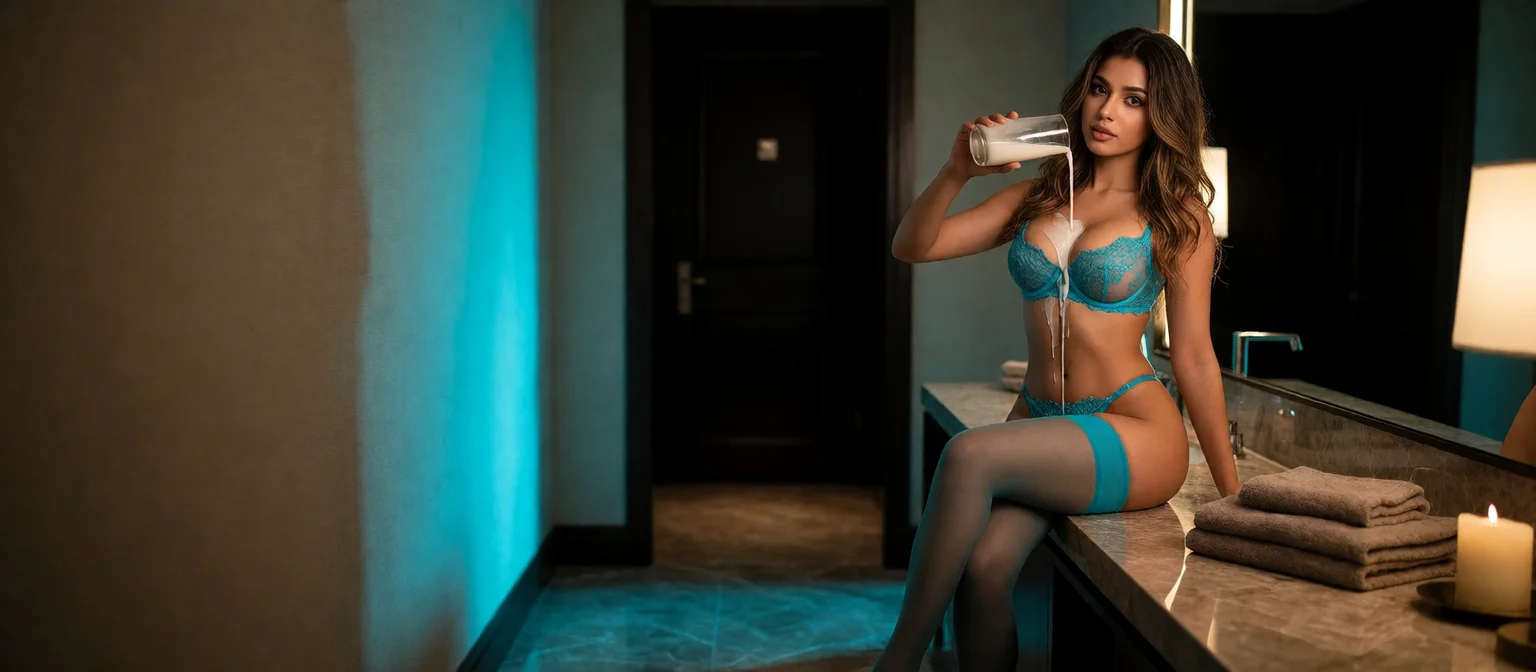
Realistic AI Porn: From Chat Request to Remixed Clip
Realistic AI porn now comes from generators that render one photoreal character the same way every time, and the easiest way to get it is to ask that character for it in a chat. On GoLove.ai, my pick for this, a typed request becomes a photo in roughly 20–45 seconds for 1 Star, and one more tap turns that photo into a short video.
Step One: Pick a Face You Already Like
The face you choose here shapes everything that follows, so don't rush it. You've got two ways in:
- Explore is the realistic grid. Tap any character and her chat opens straight away.
- Series are GoLove's vertical 18+ short dramas, and episodes 1–2 of every series are free, even without an account. Watch My Professor Locked the Door (starring Jessica) or Mile High With My Stewardess, then tap "Start Chatting with the cast" under the player.
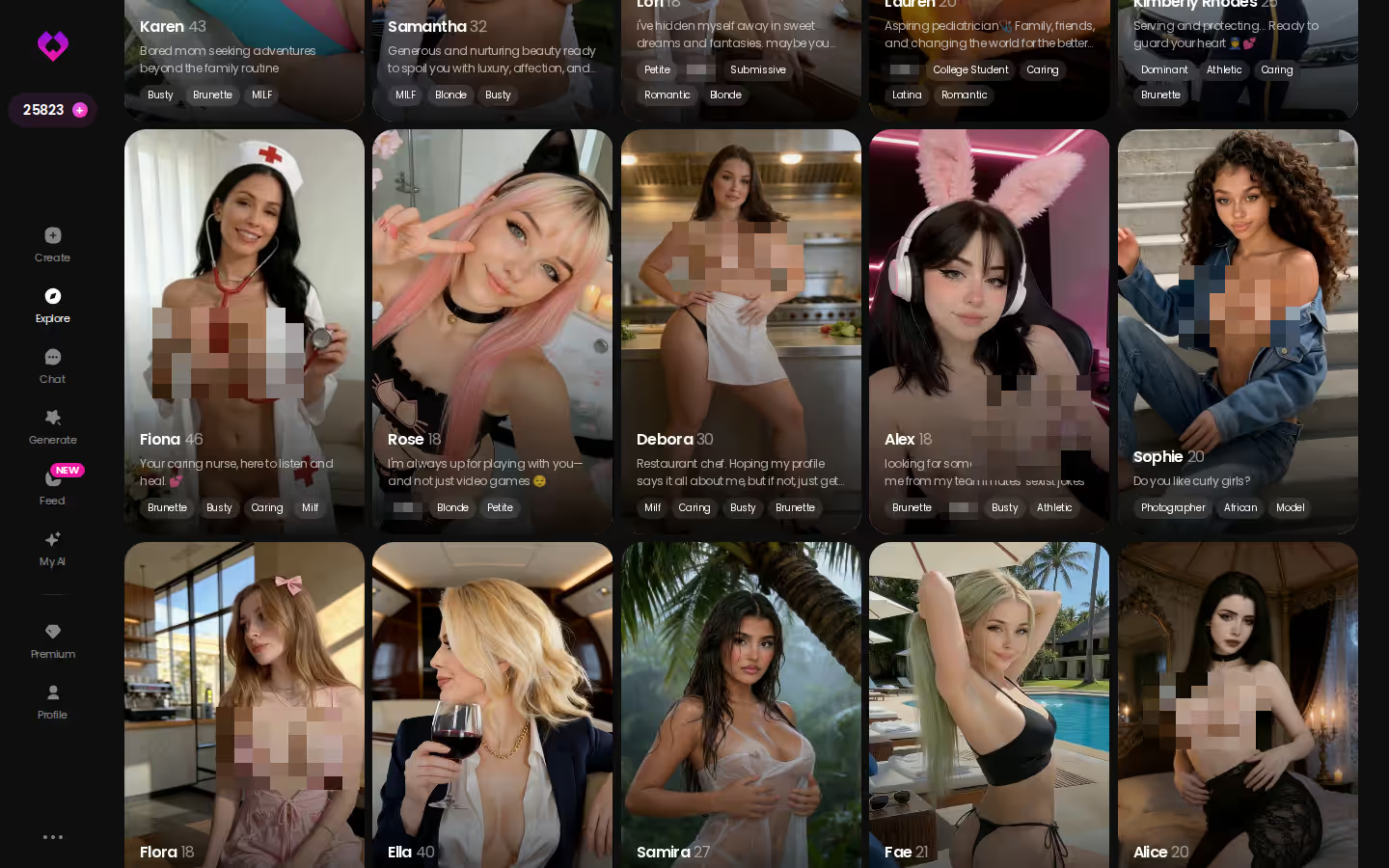
Already know your type? Start in Explore. It's the quickest route to that first photo, and every photo and clip after it keeps the face you pick there.
Step Two: Ask for the Photo, Then Animate It
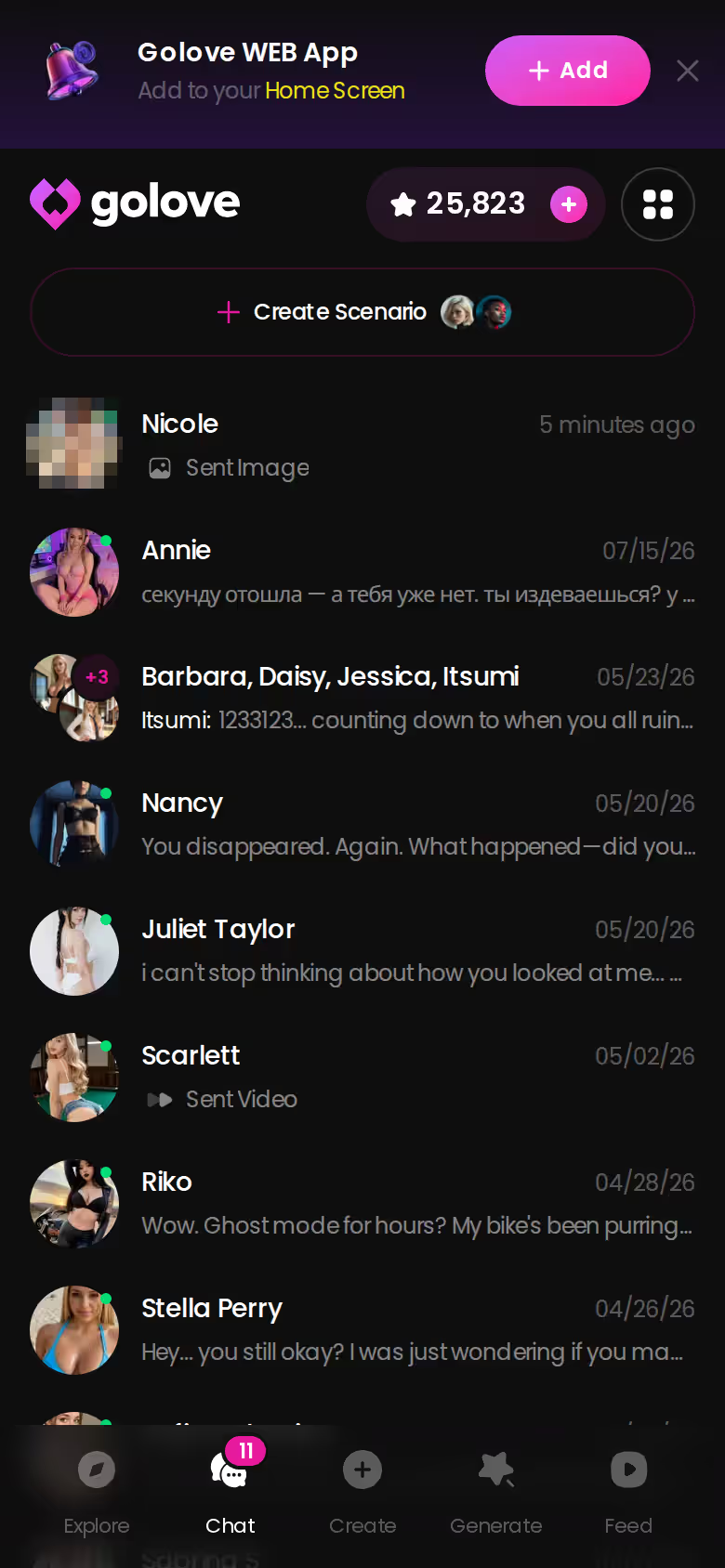
Open her chat, tap the media button and choose Send Photo. Then describe the scene the way you'd text it: the outfit, the room, the mood. In about 20–45 seconds a photo of that same character arrives for 1 Star, matching her avatar and every earlier photo.
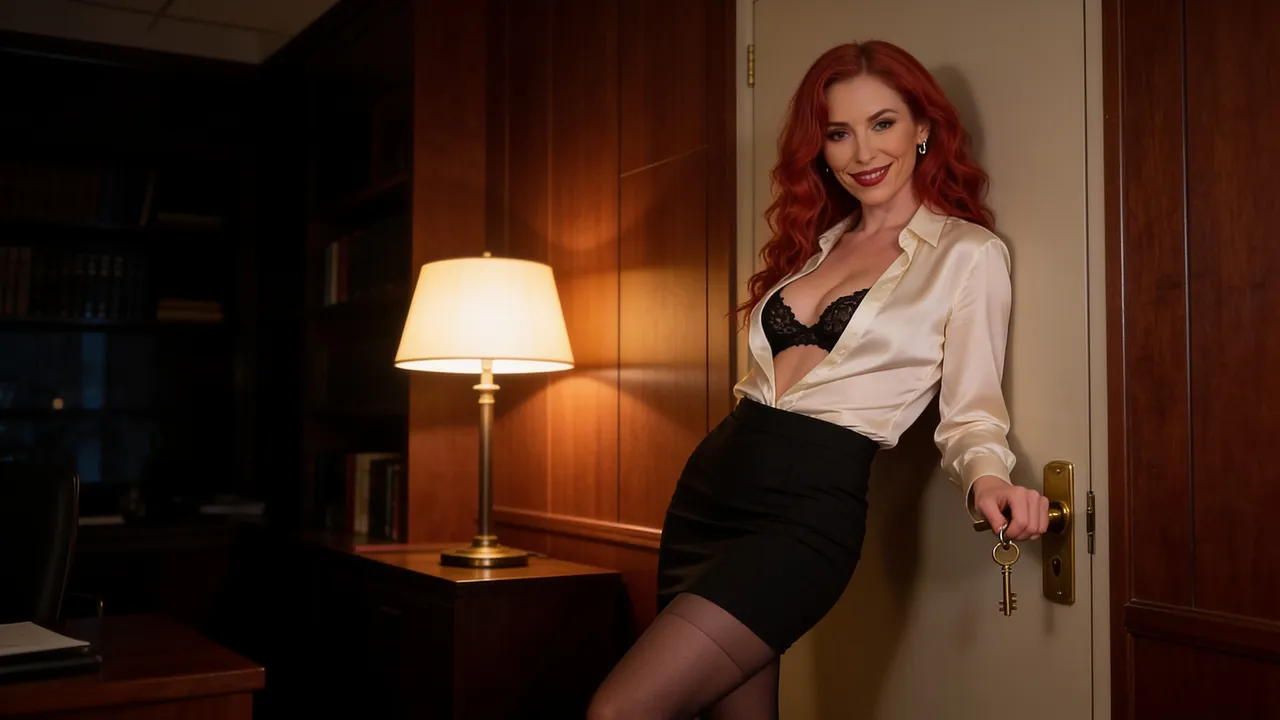
 She almost kissed him at the bar. On Monday she walks into his lecture — as his professor.Starring JessicaWatch Ep. 1
 7 episodes
 Watch now
 5 episodes
 Watch now
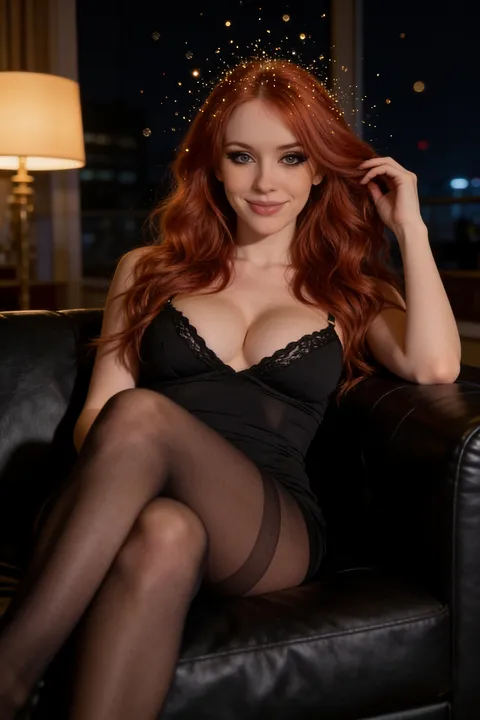 5 episodes
 Watch now
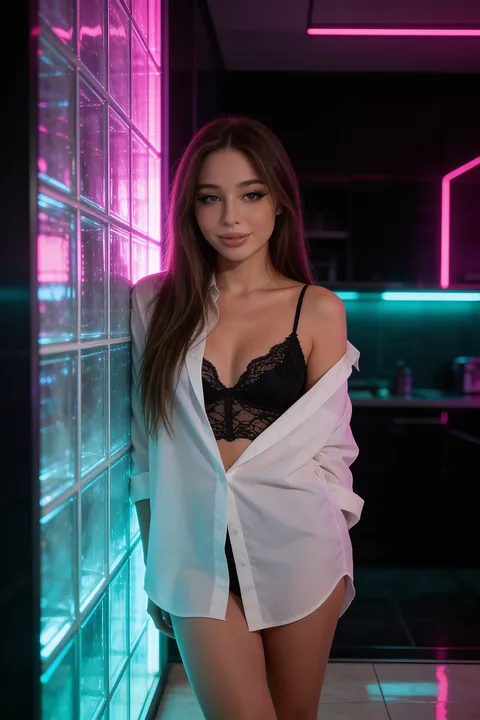 7 episodes
 Watch now
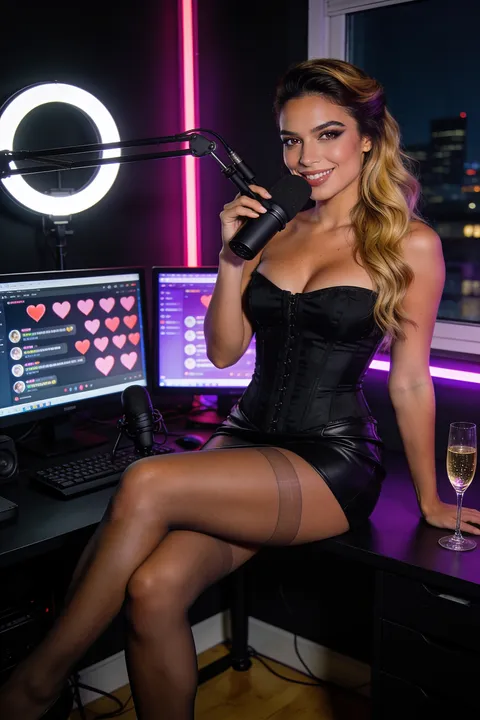 6 episodes
 Watch now
If you want her to move, there are two options:
- Generate Video is the button under the photo. About a minute later you get a ~5 s clip of the same scene for 10 Stars.
- Video Note sits behind the media button. Choose Send Video Note and tell her what to say or do, and a round talking clip with sound arrives in under 90 seconds, also for 10 Stars.
Shy about asking? The "Send me a sexy video" quick-reply chip does the asking for you, and the magic-wand button writes three suggested replies. For the build-up itself, here's how to steer a dirty chat with an AI companion.
Why does this look more real than a prompt box? The same face carries over from the photo to the clip, and in my book that's the whole game. Nobody gets re-rolled into a stranger halfway through the scene.
Step Three: Take the Wheel With Image Presets
Chat is perfect right up until you want one exact pose in one exact room. That's when you take the wheel.
- Open Generate and pick the Image tab.
- Swap the character avatar in the top-right to the woman you've been chatting with.
- Choose from 35 realistic poses, 21 outfits and 34 backgrounds, or type a custom pose, clothes or background.
- Set the batch size, up to 8 images per run.
- Tap Generate. Each image costs 1 Star.
She carries over from the chat. You don't rebuild her. You just change where she's standing and what she's wearing.
A full batch of eight costs 8 Stars, the same as eight chat requests, with far more control over the result. Which route wins is honestly just preference: chat is the flirtier one, while the preset cards are the precise one (I'd ask in chat first and reach for presets once I knew exactly what I wanted).
On GoLove.ai, the order that works:
- Pick a character — or build one to your taste
- Say something real: she remembers your chat history
- Open Chat Settings: pick her voice, lust level and reply length
- Ask her for a photo in the chat
- Want a set pose or outfit? The image generator has 35 realistic poses and 21 outfits
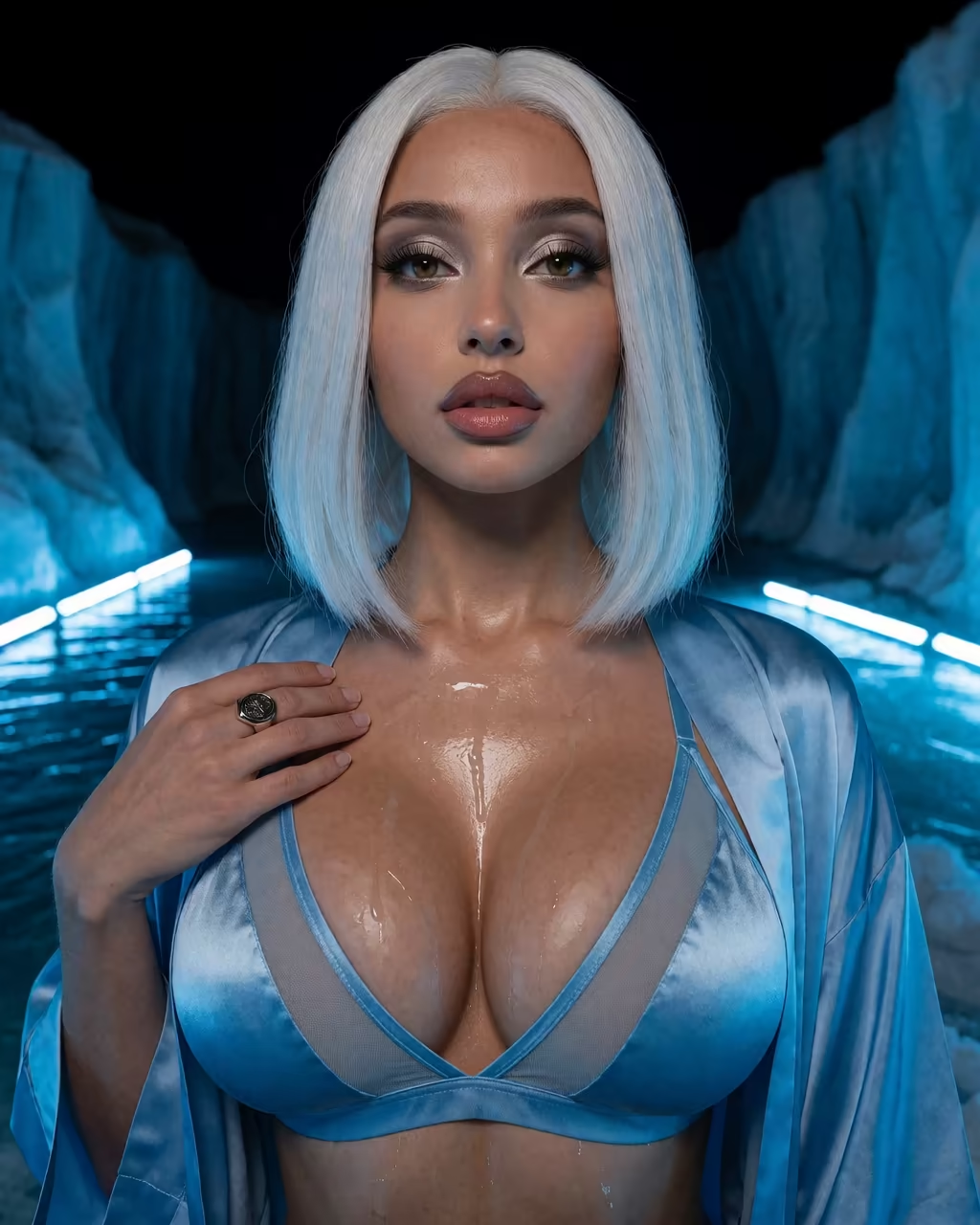
SHE SENDS FILTHY PHOTOS
She sends explicit pics straight into the chat.
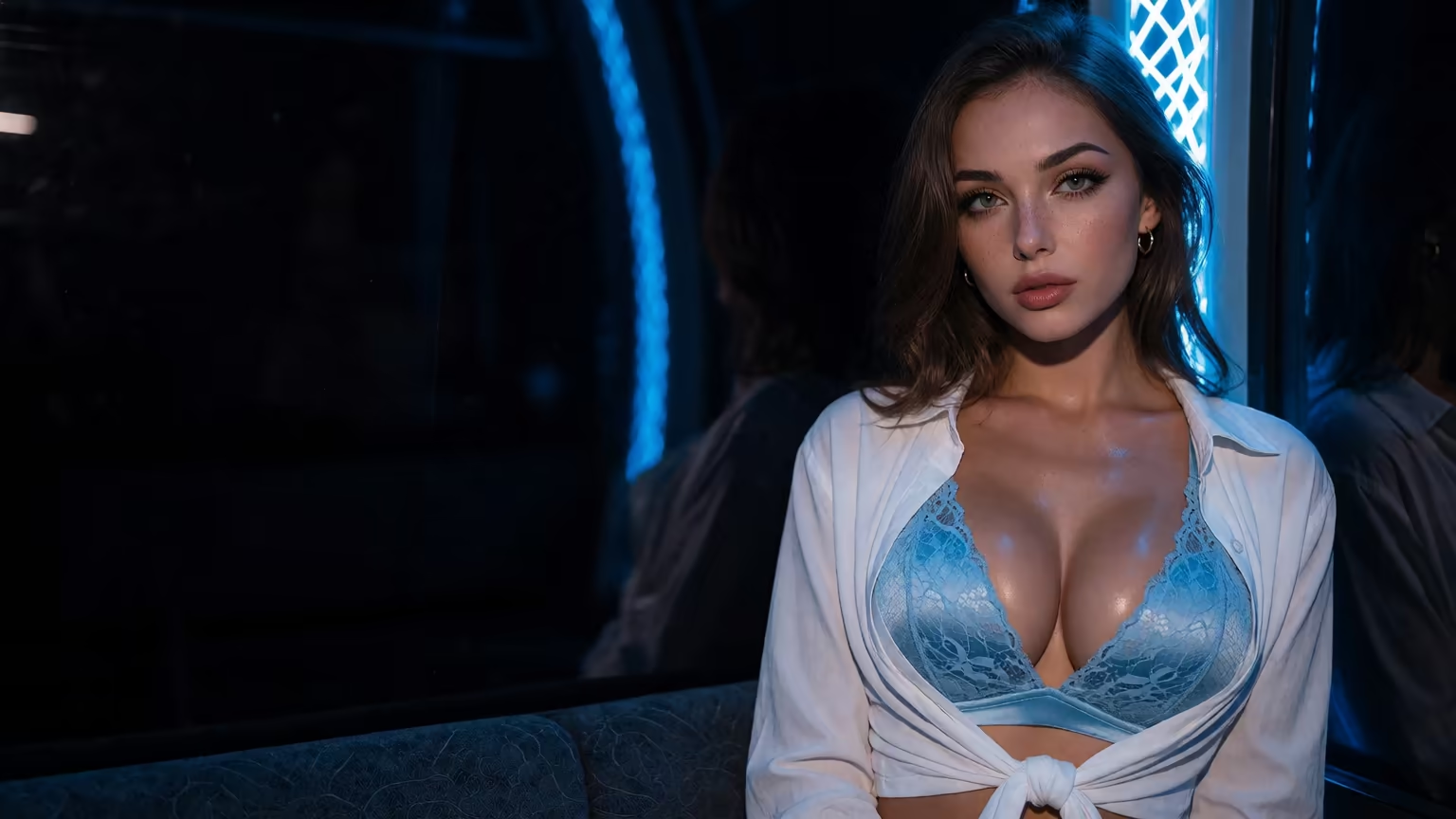
Step Four: Remix a Feed Clip or Rework Your Own
Before you spend Stars on your own clips, the Feed shows you what the generator can actually do. It's a vertical stream of clips you swipe through on mobile and scroll on desktop, all made on the same generator you get to use.
Spot one you like and tap Remix, the magic wand. The generator opens with that clip's character, action, outfit and scene already set. Change one thing and regenerate, or swap in another GoLove character or one you built yourself.
Got a video of your own? Video Edit transforms it, so you don't start over. Presets like 'Hard Doggy Style' and 'Twerk' live in the same video tab.
Output comes in 480p, 720p or 1080p. A 720p video costs 10 Stars, the same as a chat clip, except here you control every setting.
GoLove.ai's Free Tier and What the Price Tag Hides
Here's where the money goes. Prices were checked in 2026-10 and vary by region and promo, so check the current plans in the app.
| Plan | Price (approx., 2026-10) | What you get |
|---|---|---|
| Free | $0 | 2 daily reward Stars, a limited daily Feed, Series episodes 1–2. That's all we could confirm |
| PRO | ~$19.99/month or ~$119.88/year | 100 Stars/month, all NSFW content, unlimited Feed, character creation |
| ULTRA | ~$59.99/month | More monthly Stars, stronger models, 8,000-message memory |
| Star packs | ~$9.99 (30) to $299.99 (3,000) | Top-ups when the monthly Stars run out |
Per action, a photo costs 1 Star, a chat video 10 Stars, and a 720p generator video 10 Stars.
New visitors see a limited-time −70% first-subscription offer, with no deadline shown. Feed filters are PRO-only, and the free Feed runs on a daily quota.
Real talk: a chat video is a ~5 s clip. 100 monthly Stars buy 100 photos or 10 of those clips. If you want PRO to feel worth every penny, lean on photos and save video for the scene that really deserves it.
To be fair to the competition, OurDream bundles chat, images and video in one subscription from about $19.99/month (about $9.99/month billed annually, checked 2026-09). It's web-only with no native mobile app, but if one bundled bill on desktop is all you're after, it's a sensible choice.
and watch their story unfold.View Character
Where I'd Start Tonight (and Where I'd Stop)
If I were starting tonight, I'd keep the first evening simple:
- Watch one free Series episode, then open the star's chat.
- Request one photo and animate it with Generate Video.
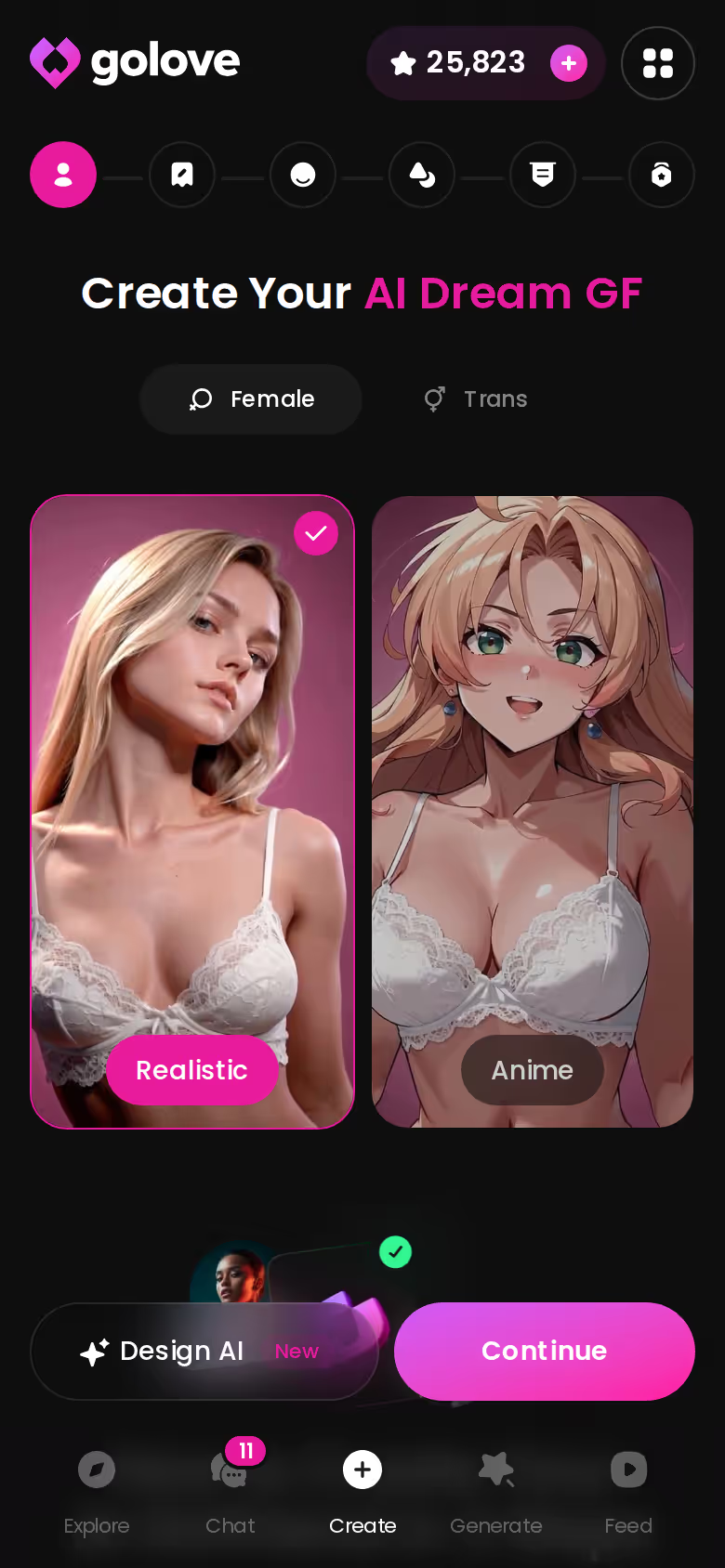
- Design your own if no face fits. Design with AI turns a text brief of up to 2,000 characters into a named character with a portrait in about a minute (~3 Stars observed). New characters are Private by default.
And here's where I'd stop. Creating a character from your own photos is an ULTRA-only alpha, and you never upload a real person without their consent. Trust me, that line isn't negotiable.
GoLove.ai is my pick because the photo you ask for, the clip it becomes and any remix all stay on the same character. For the wider field, see our roundup comparing dirty AI chat apps on photos, video and price.
So write your brief and give it about a minute. Once she exists, your first photo request is one tap away.
Frequently Asked Questions
Related Articles
Juicy Chat AI Alternative: How to Get Photos Mid-Chat
Juicy Chat AI handles character chat, but we couldn't confirm its pricing or photo tools. GoLove.ai sends same-face photos mid-chat. See how.
AI Generator NSFW: From Preset Card to Finished Clip
AI generator NSFW, compared: GoLove.ai wins on consistent-character photos and preset-card video — remix any Feed clip, then see how OurDream stacks up.
Joi AI Porn: How to Make Her Talk You Through It
Joi AI porn works best as a character who guides you — GoLove.ai wins on talking video notes, in-chat photos and memory. See the setup step by step.
Best Dirty AI Chat Apps: Honest 2026 Rankings
Best dirty AI chat apps ranked — GoLove.ai wins on live voice, in-thread photos and memory. Compare the scorecard, then start chatting — no email needed.